Google Docs for music.
Ampico is a multiplayer DAW for writing music together in real time. Multiple people can edit the same session and every change syncs instantly.
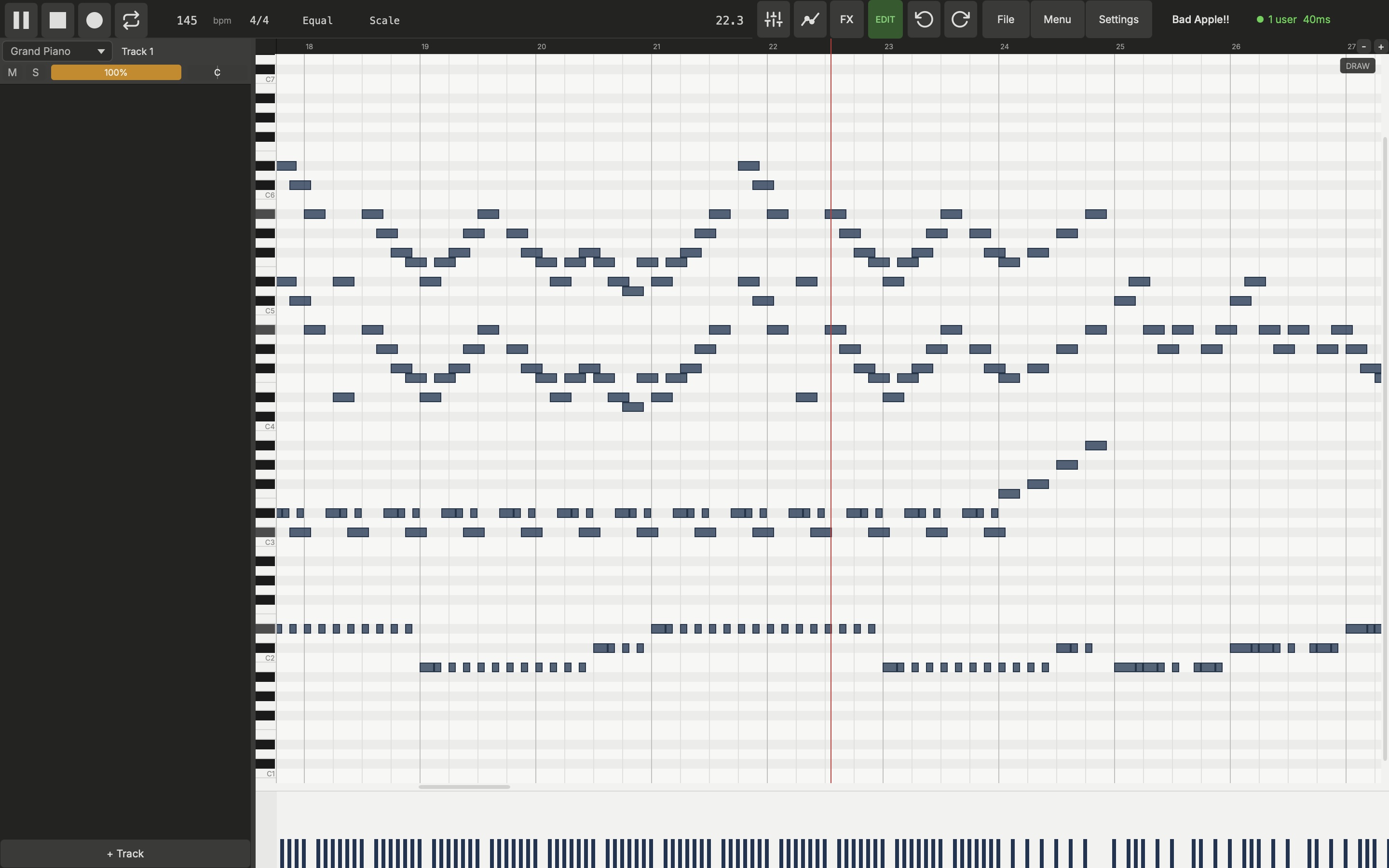
Ampico is a multiplayer DAW for writing music together in real time. Multiple people can edit the same session and every change syncs instantly.
Create or join a session and compose together. Every edit syncs instantly. Exchange ideas with a built-in chat overlay.
Velocity-layered piano, subtractive synth, and a 6-op FM synth. Import and edit audio files. Per-track effects, mixer, and automation lanes.
21 scales, 5 temperaments, quarter-tone grids. Arpeggiate, strum, ornament, counterpoint, stamp patterns. All from single-key shortcuts.
Timed composition challenges with constraints.
Alpha build. This is an early, unsigned macOS build for tinkerers and curious testers. A signed public beta with one-click install is coming. Join the mailing list to know when.
Windows and Linux builds will land with the public beta.
xattr -dr com.apple.quarantine "Ampico.app"Ampico isn't yet signed with an Apple Developer certificate, so macOS quarantines it on download. The command removes that flag. The signed public beta won't need this step.

Named after the AMPICO player piano, an early precursor to MIDI and step sequencing.